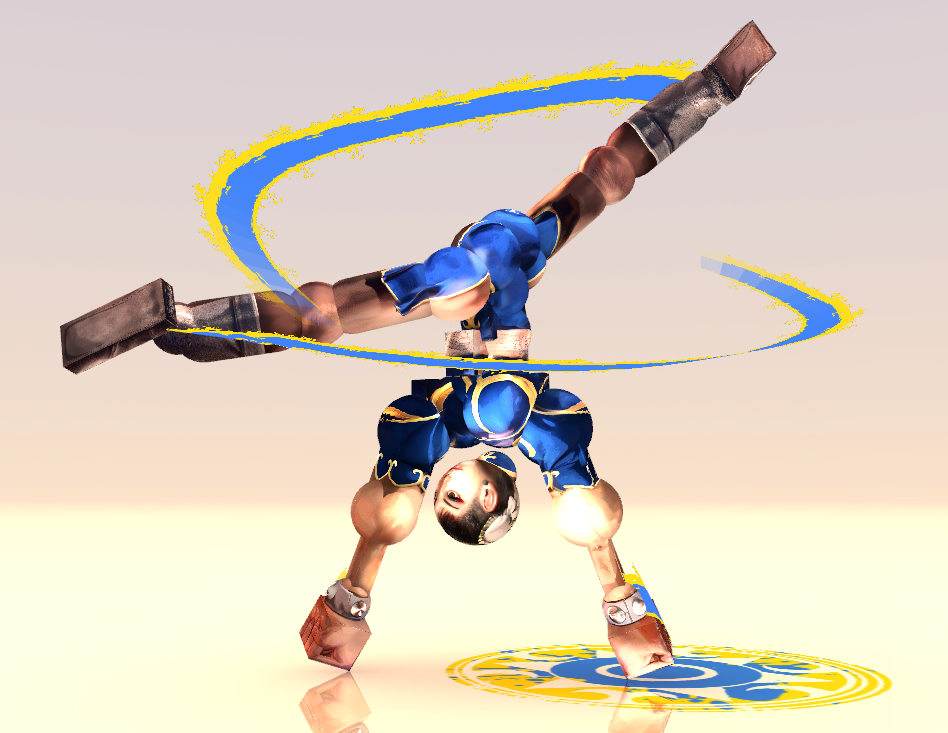
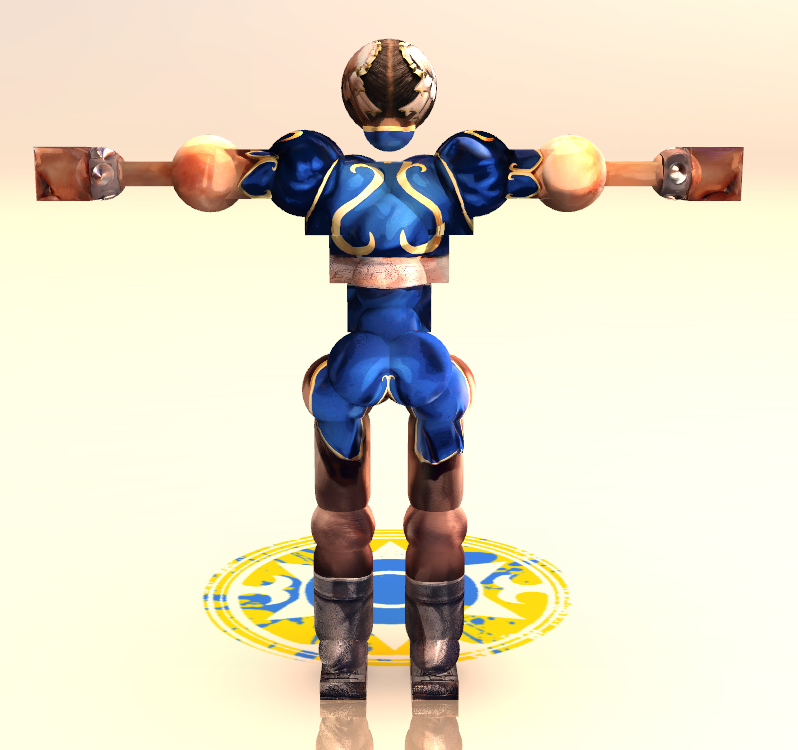
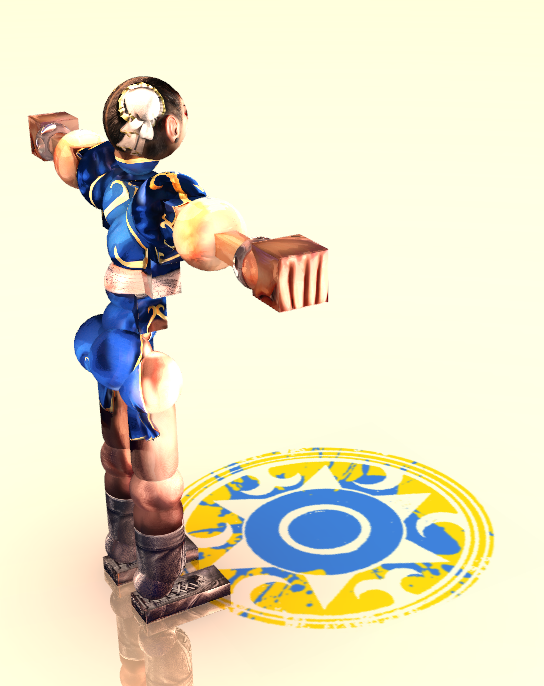
been getting 522 errors trying to reply to this but basically my process is mostly 3D rendering
Blender for 3D modeling and rendering with proper lighting and 8K by 8K renders of all faces after making the character (front, back, left, right, top, bottom) + lately I've been implementing 18 more renders for 2 layers of shading and 1 layer of highlights with toon shades and differing light values since I can put more time into each set as of late, on blender I morph the model and compose the character so it fits exactly the tori's proportions which helps with smooth shading and good blending between the elements of the model
Then I usually import this into affinity photo and I usually do a cleanup of everything and add some polygonal lasso tool shades + composite the 2 layers of shades and highlights together after smoothing them out with inkscape to vectorize them and not have jagged lines and dotty shading that's kinda hard on the eyes. I do the layering and the white balance and color correction on affinity photo + fixing some other elements that could be out of array as well as make the head's mapping fit better for the tori's sphere (as doing this in blender usually leads to a very fisheye kind of effect for the head that I don't fw)
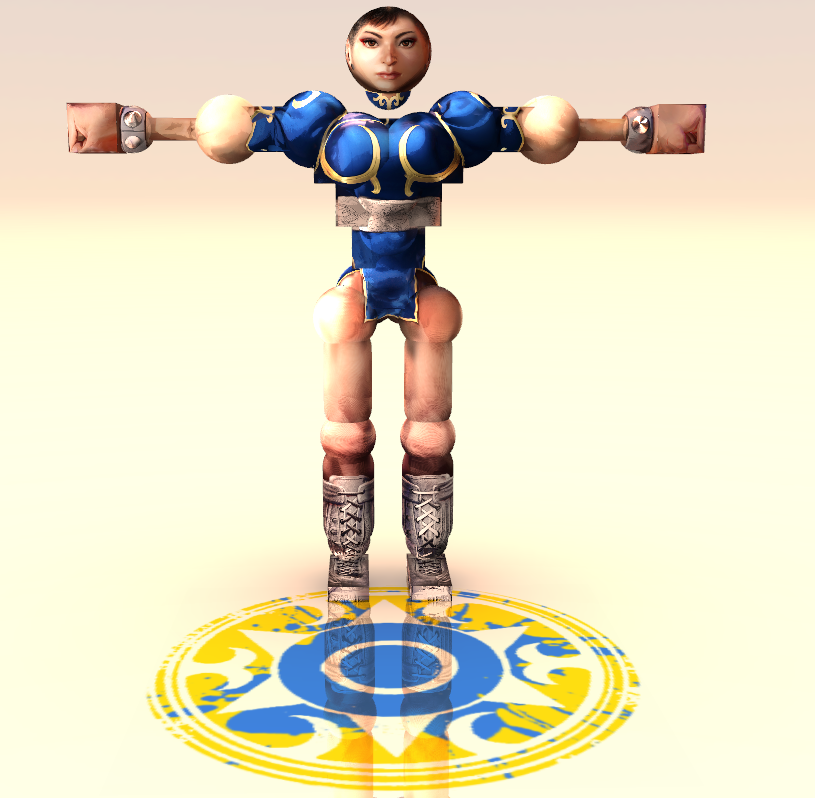
These images for each face then all then gets imported into Mudbox to project onto a tori doll fbx that I've set up with the proper UVs so that it's 1:1 game-wise, and I begin the projection mapping process which is pretty time consuming, especially for the inner joints and getting the blending right between the faces
Then after this mapping is done I export all of these into affinity again to fix any blemishes that could exist i.e. between the triceps' middle parts or the feet which have these very contrasting lines so blending is a little more finnicky, after this I hop onto inkscape again in order to vectorize each texture to limit the colors in order to have a more cohesive color palette, I then sign each texture and mass rename to fit tori format and mass convert to tga to begin testing it ingame on my custom folder
If anything doesn't look up to par I'll go back a few steps and recheck everything
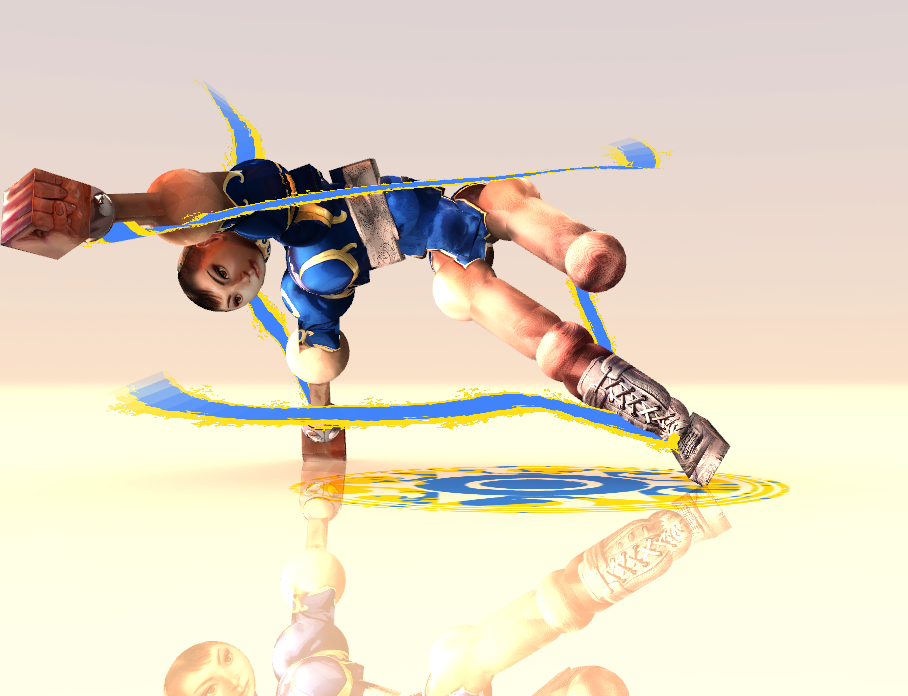
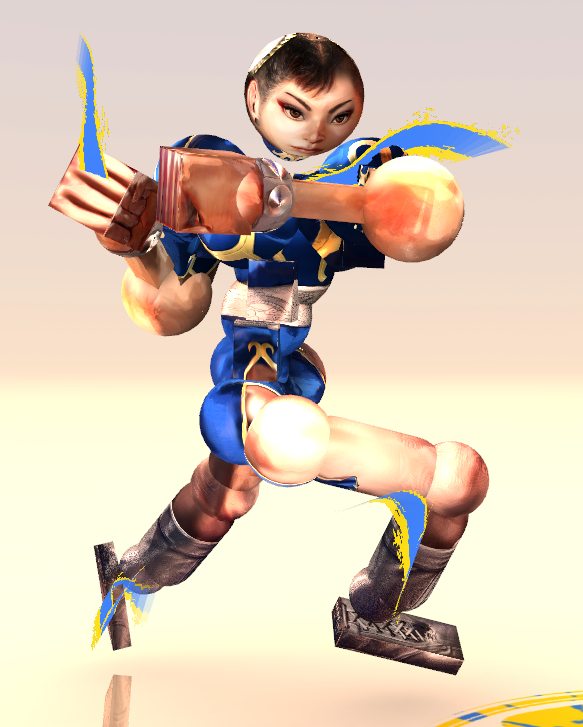
Then I make the trails and the ground texture usually, after convening with the client about how they'd like them to be
that's usually the process it usually takes like a week or so per set, sometimes less sometimes more if it's a more complex piece
software use is mostly:
Blender, affinity photo, mudbox, inkscape, and a couple py scripts for renaming and converting + the batch mode scripts for affinity photo in order to mass resize some elements and signing everything






 !
!