Original Post



[Art] Huge Toribash renders thread!
Hello everyone, Oopyuman here,
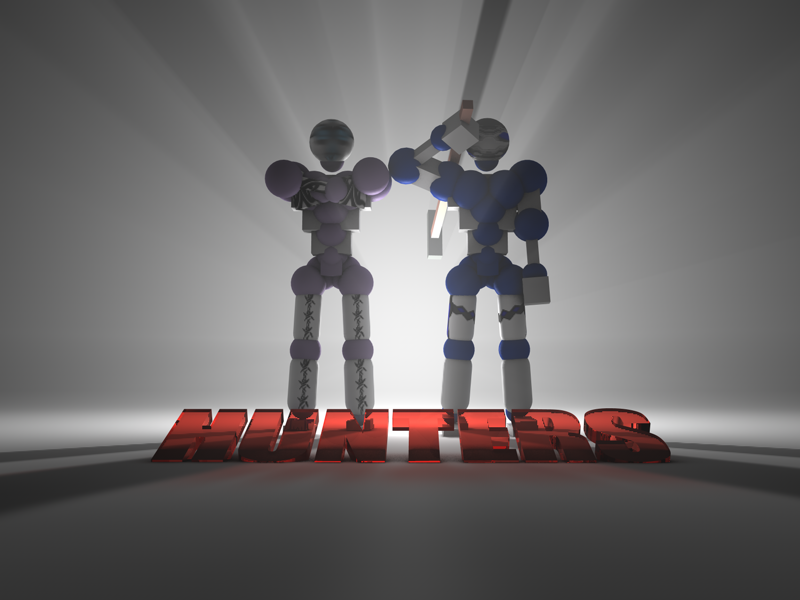
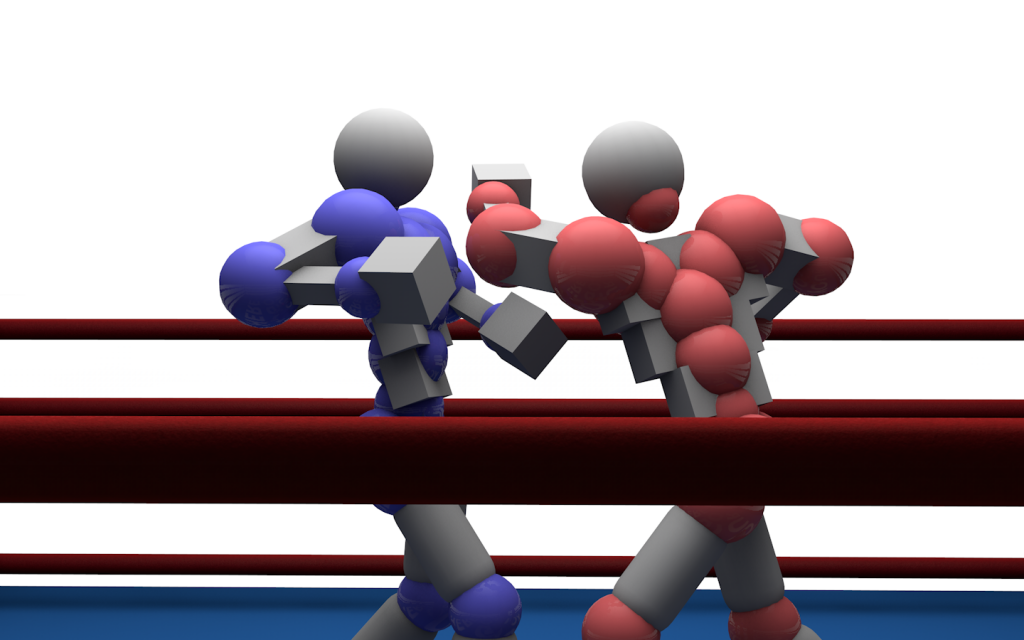
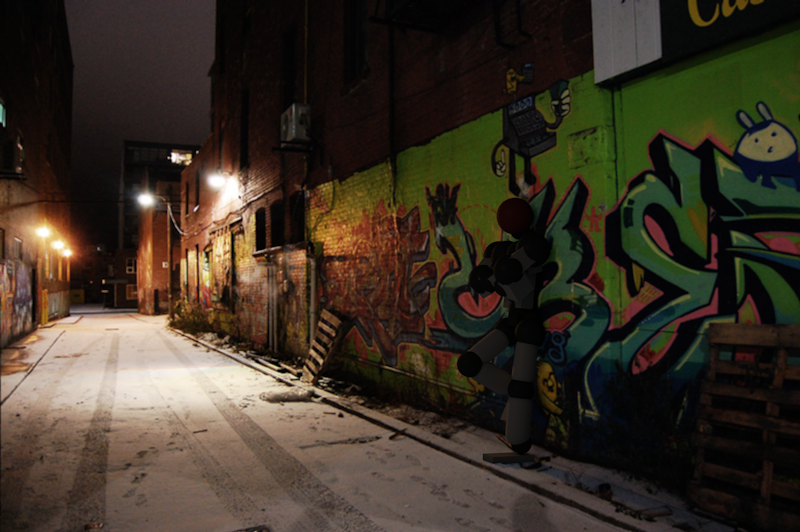
Today I decided to show you some of my renders of Toribash. They are done in Cinema 4d and I'm using Stupinator's Rig. Hope you like them:
Latest great work:

Today I decided to show you some of my renders of Toribash. They are done in Cinema 4d and I'm using Stupinator's Rig. Hope you like them:
Pics #1
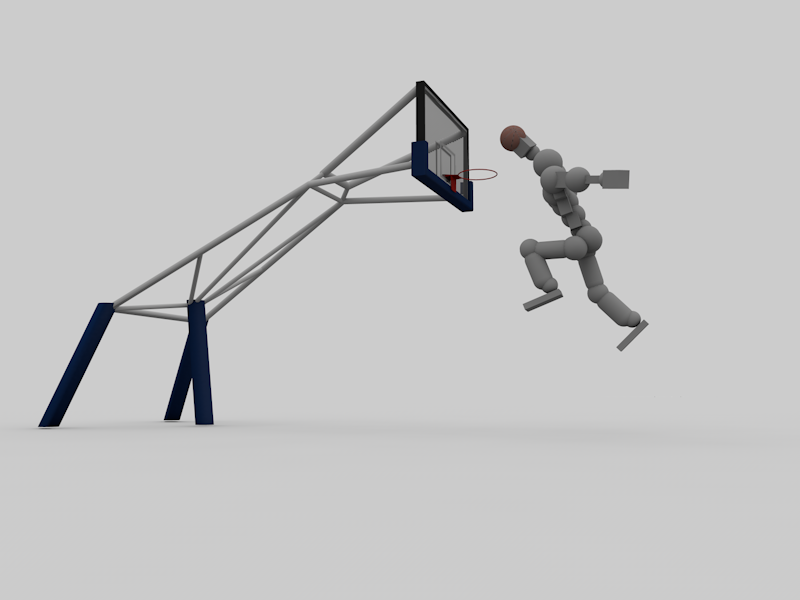
Pics #2 (Newer)


Pics #3 (Not toribash related)


Pics #4 (Best ones!)


Herixen's renders


Noki's Renders and Animations


December


May


Latest great work:

Check the replies for other pictures(Almost all the pictures from replies are here in these spoilers)
Not taking any more requests!
Well, I hope you liked them and be sure to leave some feedback and some suggestions on my next one if you'd like to.
Not taking any more requests!
Well, I hope you liked them and be sure to leave some feedback and some suggestions on my next one if you'd like to.
Team
Last edited by Sluup; May 12, 2014 at 07:55 PM.
Nagato9757:
The Tori's aren't actually taken from the game, they're not greenscreened or nothing. Stupinator made a rig for this 3d program called Cinema 4d. Basically, he made a tori for the users of that program to manipulate it and put it into all sorts of poses and to incorporate them in pictures which I did in the...one before the last one. I can set whatever textures I want on them, and also make them incredibly shiny, or...missing a limb and such. And the good thing is that they can have better graphics than the ones in the game.
The Tori's aren't actually taken from the game, they're not greenscreened or nothing. Stupinator made a rig for this 3d program called Cinema 4d. Basically, he made a tori for the users of that program to manipulate it and put it into all sorts of poses and to incorporate them in pictures which I did in the...one before the last one. I can set whatever textures I want on them, and also make them incredibly shiny, or...missing a limb and such. And the good thing is that they can have better graphics than the ones in the game.

"Btw, remember to put a valid tag like [Art] [Tex] [Mus]... [3D] isn't a valid tag. ( Correct me if i'm wrong, but i'm surely that isn't )." - Well...I put 3D since they are renders, and I didn't find any other...tag that was suitable.
"Thats so cool it would be like super epic if it was made into animation picture 3" Right...Well, I'm not too experienced in animating in Cinema 4D, for animating I use other programs which I find easier to use (Source Filmmaker).
"What are your render settings" Well...The render settings are the default ones from cinema 4d. I added some global illumination and ambient occlusion with their default settings, I rarely edit them. I also have Greyscalle Gorilla HDRI Light kit Pro which helps a lot when lighting up the scene. Most of these renders took about 3 minutes to complete. The boxing one took about 10 minutes.
"It's good at all, i've loved your skills on this 3D thing. But keep improving to make it better and more realistic, i know that you can. You should can make a aikido/soccer/judo thing in the next render." I think I'll make one render with aikido, and the next one I'll try to integrate a tori into the real world as I did in the third picture.
Also, thanks everyone for your feedback!
-----
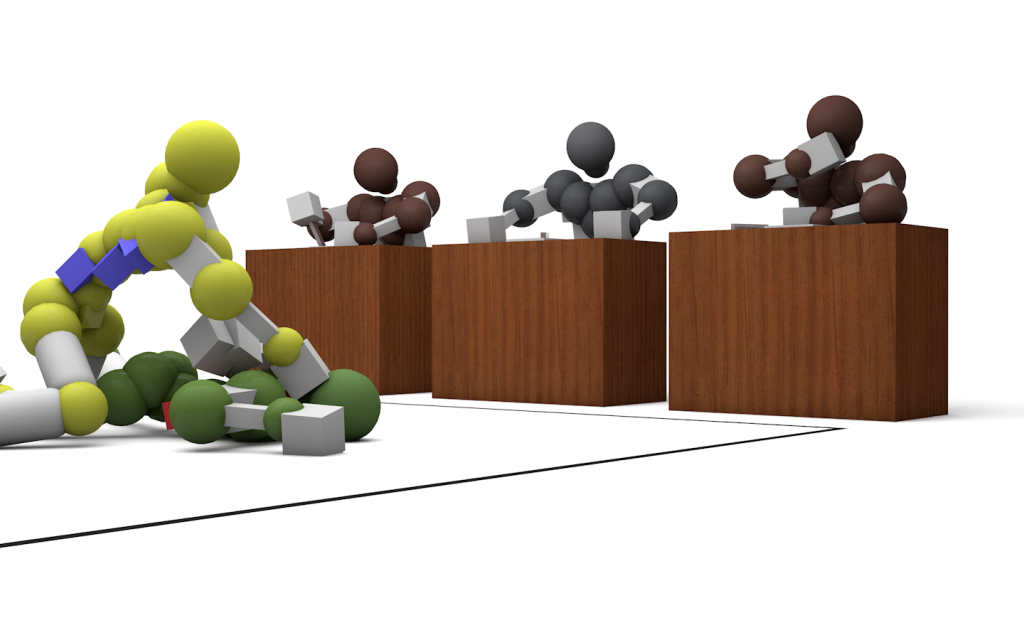
Hey, what do you say about this one? It looks like...aikido...something...Anyways, it's related to the gameplay of toribash...Sort of
-----
Well, I did another one... This one was for a video thread Mocucha did, he sent some replays for my video so I did this. I also posted it on his thread, but this is the improved version:
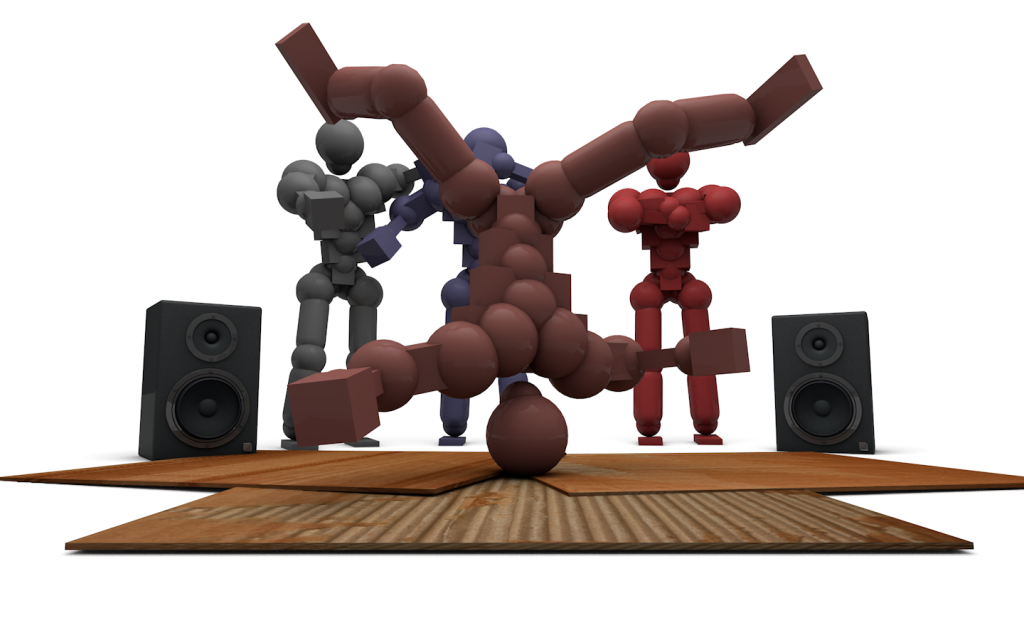 [/URL]
His thread: http://forum.toribash.com/showthread.php?t=402806
"Thats so cool it would be like super epic if it was made into animation picture 3" Right...Well, I'm not too experienced in animating in Cinema 4D, for animating I use other programs which I find easier to use (Source Filmmaker).
"What are your render settings" Well...The render settings are the default ones from cinema 4d. I added some global illumination and ambient occlusion with their default settings, I rarely edit them. I also have Greyscalle Gorilla HDRI Light kit Pro which helps a lot when lighting up the scene. Most of these renders took about 3 minutes to complete. The boxing one took about 10 minutes.
"It's good at all, i've loved your skills on this 3D thing. But keep improving to make it better and more realistic, i know that you can. You should can make a aikido/soccer/judo thing in the next render." I think I'll make one render with aikido, and the next one I'll try to integrate a tori into the real world as I did in the third picture.
Also, thanks everyone for your feedback!
-----
Originally Posted by Sainzgc

It's good at all, i've loved your skills on this 3D thing. But keep improving to make it better and more realistic, i know that you can. You should can make a aikido/soccer/judo thing in the next render.
Btw, remember to put a valid tag like [Art] [Tex] [Mus]... [3D] isn't a valid tag. ( Correct me if i'm wrong, but i'm surely that isn't ).

Hey, what do you say about this one? It looks like...aikido...something...Anyways, it's related to the gameplay of toribash...Sort of
-----
Well, I did another one... This one was for a video thread Mocucha did, he sent some replays for my video so I did this. I also posted it on his thread, but this is the improved version:
[/URL]His thread: http://forum.toribash.com/showthread.php?t=402806
Last edited by Sluup; Apr 11, 2013 at 10:56 PM.
Reason: <24 hour edit/bump